Tag: BusinessCentral
-
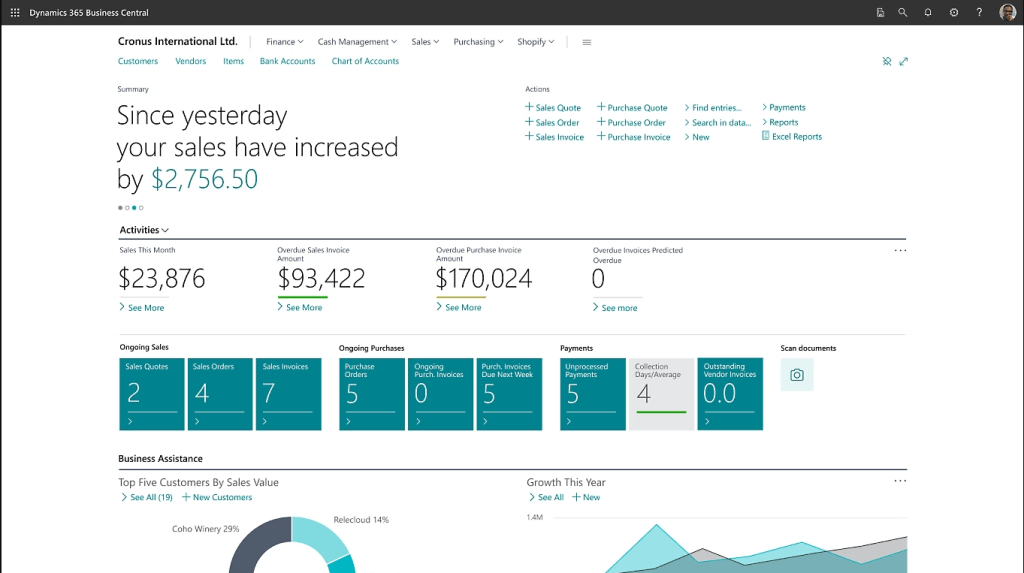
Posting Groups Are the Foundation of Accurate Financial Reporting in Business Central 28.0
After more than a decade of implementing Microsoft Dynamics 365 Business Central for organizations across manufacturing, distribution, retail, and services, I can tell you with total confidence: Posting Groups cause more post-go-live financial reporting headaches than any other configuration area in the system. It’s not because Posting Groups are technically complicated. It’s because they are…
-
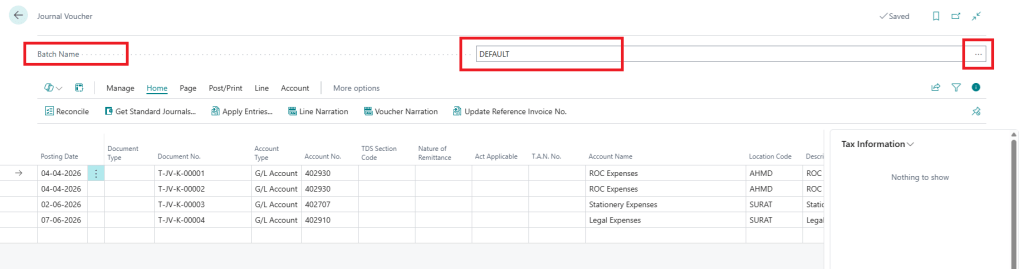
How to Create a Batch and Assign a No. Series for Journal Vouchers
If you work with journal vouchers on a regular basis, you already know how quickly things can get messy. Different departments, different purposes, different approval flows — and if everything lands in one undifferentiated list, tracking anything down becomes a chore. That’s exactly the problem batches solve. A batch lets you separate journal vouchers by…
-
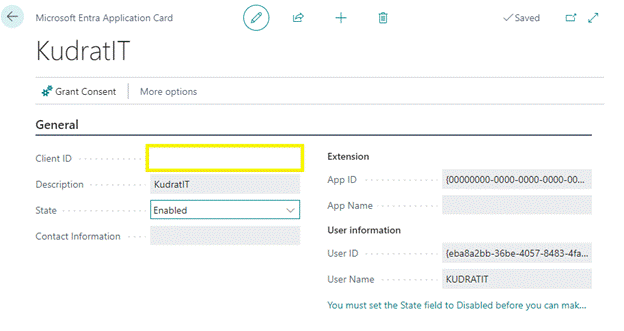
How to Enable an API for Microsoft Dynamics 365 Business Central
If you’re integrating a third-party application, custom script, or middleware with Business Central, you’ll need to register an application in Azure and grant it the right API permissions. This walkthrough covers the full process — from creating the app registration in Azure to enabling it inside Business Central itself. By the end, you’ll have a…
-
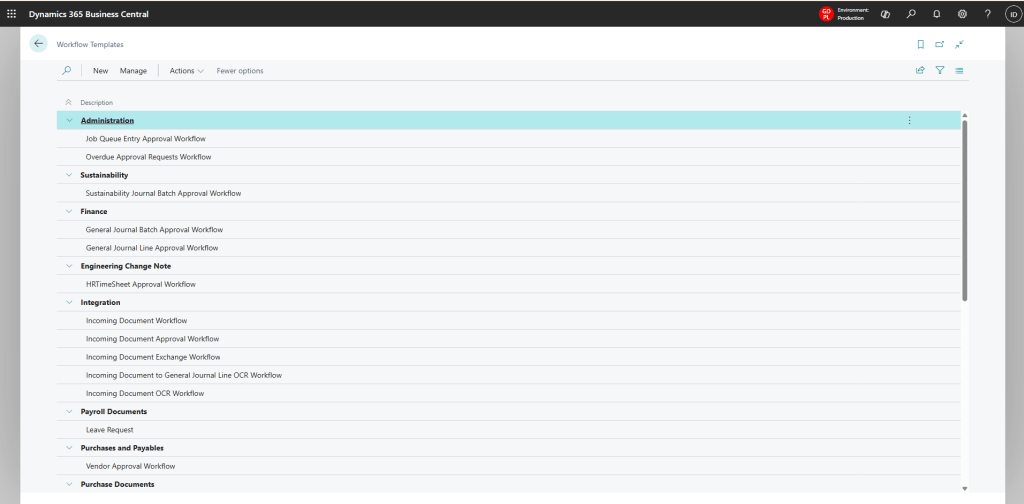
How to Update the Workflow Template After a Microsoft Dynamics 365 Business Central Upgrade
Every time Microsoft rolls out a new Business Central release, it often ships new standard features that don’t automatically appear in your existing workflows — even after your tenant has been upgraded. This is a common gap that trips up admins and consultants alike, and it’s exactly what happened with the recent BC 28.0 release.…
-

Year Closing Process in Dynamics 365 Business Central
As the financial year comes to an end, organizations using Dynamics 365 Business Central must ensure that all transactions are accurately recorded and reported. A structured Year Closing Process helps maintain financial integrity and ensures compliance with accounting standards. Below, we outline the four key steps in the Year-End Closing Process for Inventory and Financial Management in Dynamics 365 Business Central. 1. Adjust…
-

Difference Between General Journal and Journal Voucher in Microsoft Dynamics 365 Business Central
General Journal and Journal Voucher are used for posting financial transactions, but their purpose, control, and business usage are different. 1. General Journal A General Journal is the standard accounting journal available in Business Central for entering and posting various financial transactions manually. Common Uses G/L adjustments Accrual entries Prepaid expenses Bank adjustments Correction entries Intercompany adjustments Opening balances Features…
-

Dynamics 365 Business Central 25.0 – Work Center Setup & Complete Field Explanation
Introduction In Dynamics 365 Business Central 25.0, Work Centers play a critical role in manufacturing and production planning. A Work Center represents a machine, production line, or group of resources where specific operations are performed. Correct Work Center configuration directly impacts capacity planning, costing, scheduling, analytics, and production efficiency. This blog explains how to create a Work Center, how to navigate using menu…
-

🔄 Item Revaluation Journals in Microsoft Dynamics 365 Business Central 27.0 A Complete Step-by-Step Guide
If you work with inventory in Business Central, there comes a time when the cost of your items needs to be corrected or updated. That’s exactly what the Item Revaluation Journal is for. In this guide, I’ll walk you through the complete process step by step. What is Item Revaluation Journal? The Item Revaluation Journal…

