Category: Business Central Basics
-
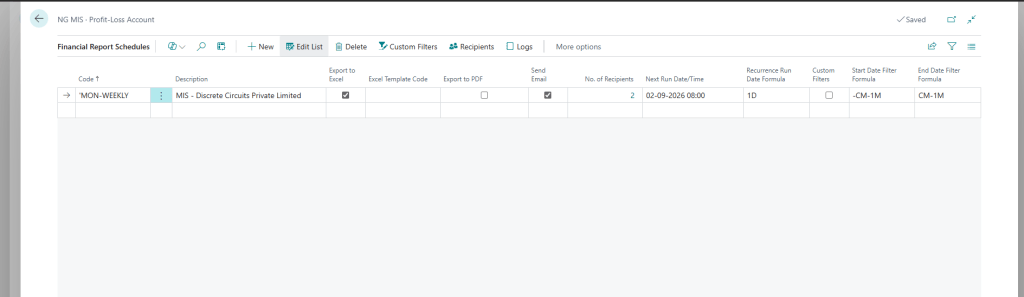
How to Schedule Financial Reports in Dynamics 365 Business Central 28.0 (Step-by-Step Guide)
If you’re still manually opening Business Central every week to export your Profit & Loss statement, email it around, and hope nobody forgets — I’ve got good news. Business Central’s Financial Report Schedule feature does all of that for you, automatically, right on the schedule you set. And with version 28.0 (part of the 2026…
-

Item Tracking in Business Central 28.0: A Functional Guide to Lot Nos. and Serial Nos.
Item Tracking in BC exists to answer one question the client will eventually ask under pressure: “Where did this specific item come from, and where did it go?” That question shows up as: A regulator asking for a recall trace A customer complaint about a defective unit An auditor checking expiry compliance A warranty claim…
-
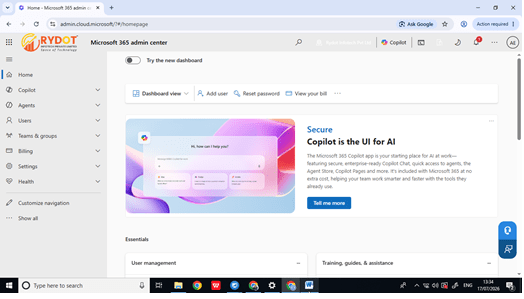
How to Create and Reset a User Password in the Microsoft 365 Admin Center
A complete, screenshot-by-screenshot walkthrough for IT admins and small business owners — written from over a decade of hands-on Microsoft 365 administration. Managing user accounts is one of the most routine — and most important — tasks for any Microsoft 365 administrator. Whether you’re onboarding a new employee or helping a teammate who’s locked out…
-
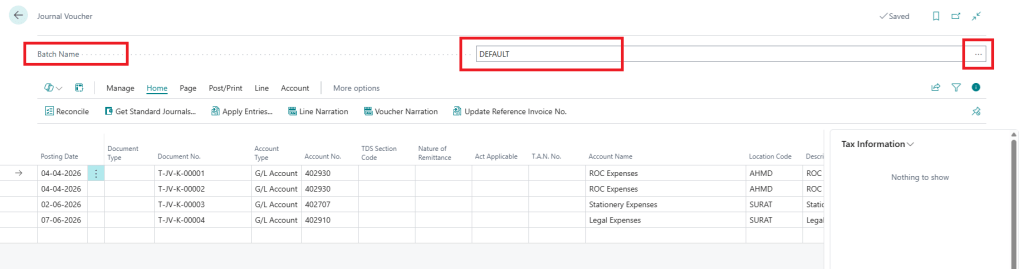
How to Create a Batch and Assign a No. Series for Journal Vouchers
If you work with journal vouchers on a regular basis, you already know how quickly things can get messy. Different departments, different purposes, different approval flows — and if everything lands in one undifferentiated list, tracking anything down becomes a chore. That’s exactly the problem batches solve. A batch lets you separate journal vouchers by…
-
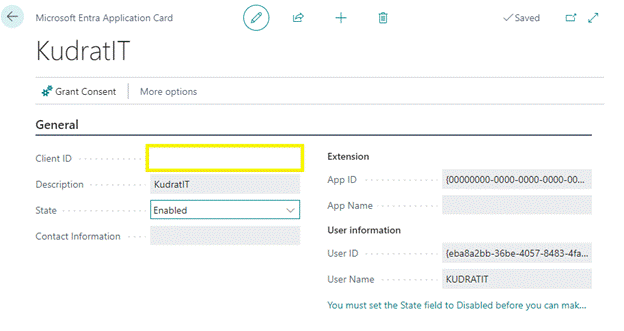
How to Enable an API for Microsoft Dynamics 365 Business Central
If you’re integrating a third-party application, custom script, or middleware with Business Central, you’ll need to register an application in Azure and grant it the right API permissions. This walkthrough covers the full process — from creating the app registration in Azure to enabling it inside Business Central itself. By the end, you’ll have a…
-
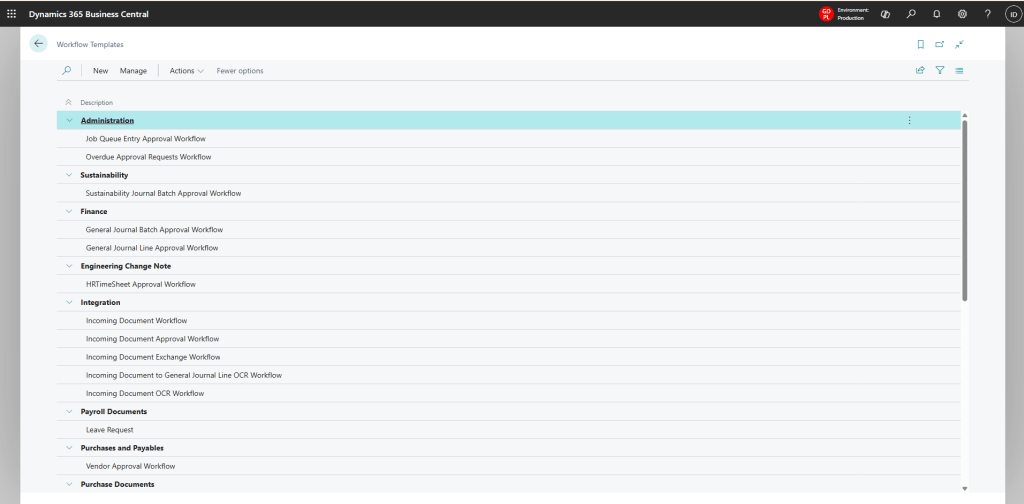
How to Update the Workflow Template After a Microsoft Dynamics 365 Business Central Upgrade
Every time Microsoft rolls out a new Business Central release, it often ships new standard features that don’t automatically appear in your existing workflows — even after your tenant has been upgraded. This is a common gap that trips up admins and consultants alike, and it’s exactly what happened with the recent BC 28.0 release.…
-

Create No. Series in Dynamics 365 Business Central
Number Series in Business Central help in auto-generating unique document numbers, ensuring consistency in transactions like invoices, sales orders, purchase orders, and more. This guide walks you through setting up a No. Series step by step. Step 1: Navigate to the No. Series Page Open Business Central. Use the Search (Alt + Q) and type No. Series. Select No. Series from…
-

Difference Between General Journal and Journal Voucher in Microsoft Dynamics 365 Business Central
General Journal and Journal Voucher are used for posting financial transactions, but their purpose, control, and business usage are different. 1. General Journal A General Journal is the standard accounting journal available in Business Central for entering and posting various financial transactions manually. Common Uses G/L adjustments Accrual entries Prepaid expenses Bank adjustments Correction entries Intercompany adjustments Opening balances Features…
-

Dynamics 365 Business Central 25.0 – Work Center Setup & Complete Field Explanation
Introduction In Dynamics 365 Business Central 25.0, Work Centers play a critical role in manufacturing and production planning. A Work Center represents a machine, production line, or group of resources where specific operations are performed. Correct Work Center configuration directly impacts capacity planning, costing, scheduling, analytics, and production efficiency. This blog explains how to create a Work Center, how to navigate using menu…
-
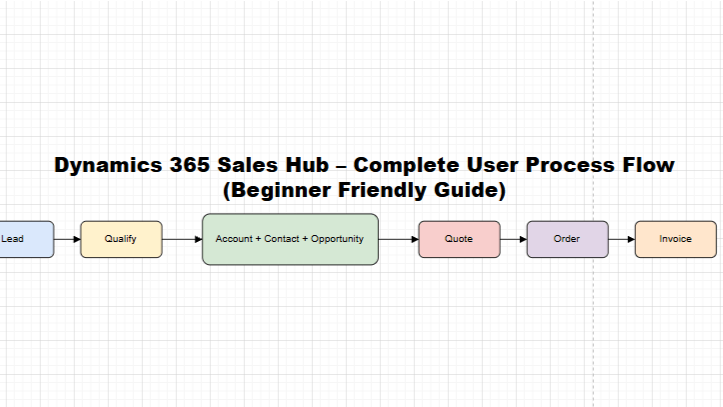
Dynamics 365 Sales Hub Process Flow – Complete Beginner Guide (2026)
Revenue tracking and forecasting It helps sales teams follow a structured and standard sales process. Dynamics 365 Sales Hub – End-to-End Process Flow Lead → Qualify → Account & Contact → Opportunity → Quote → Order → Invoice This is the core sales lifecycle followed in most organizations. Step 1: Lead – Starting Point of…

